


使用firefox和yakit
key1
在控制台循环输出
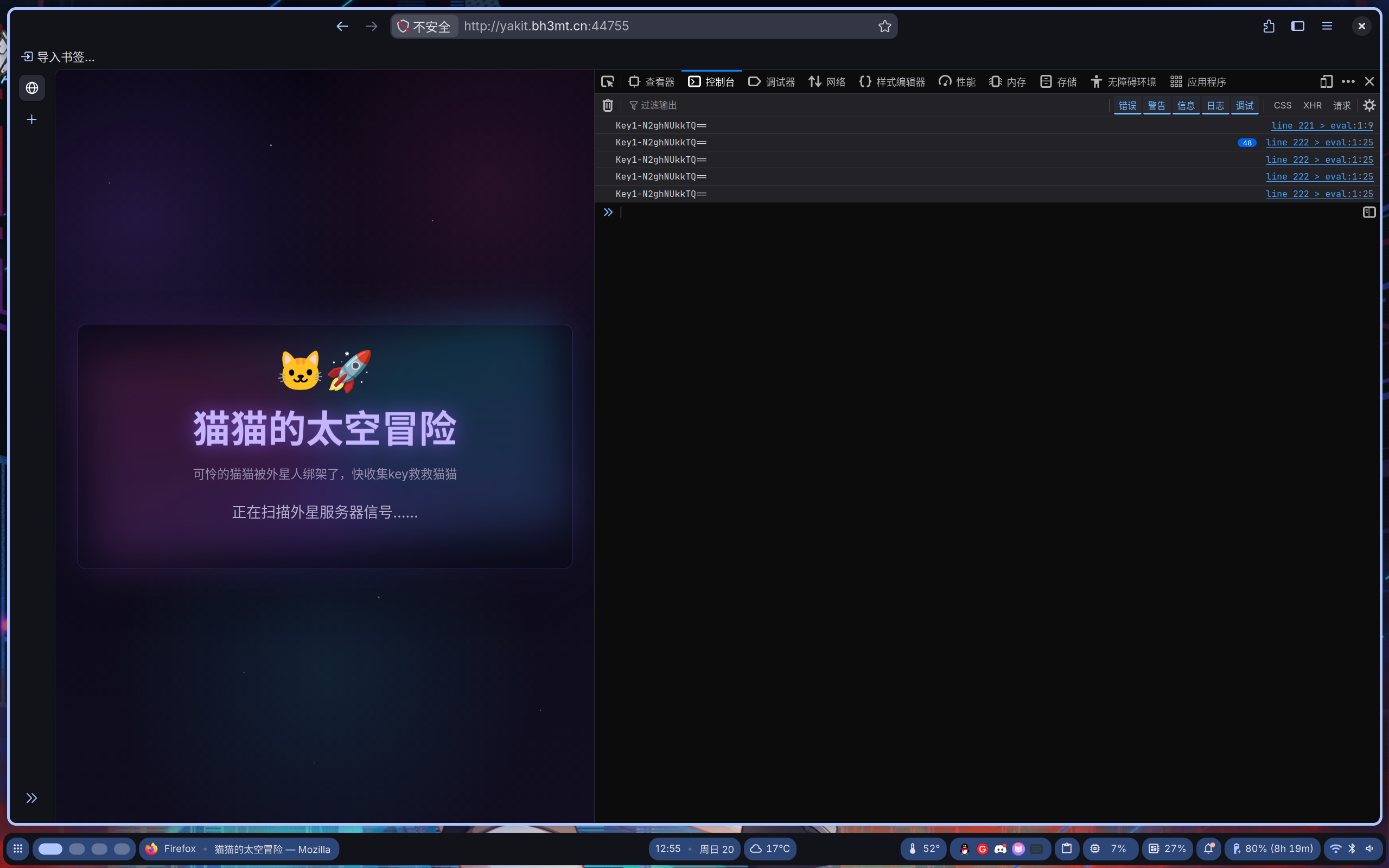
Key1-N2ghNUkkTQ==key2
藏在html的注释中
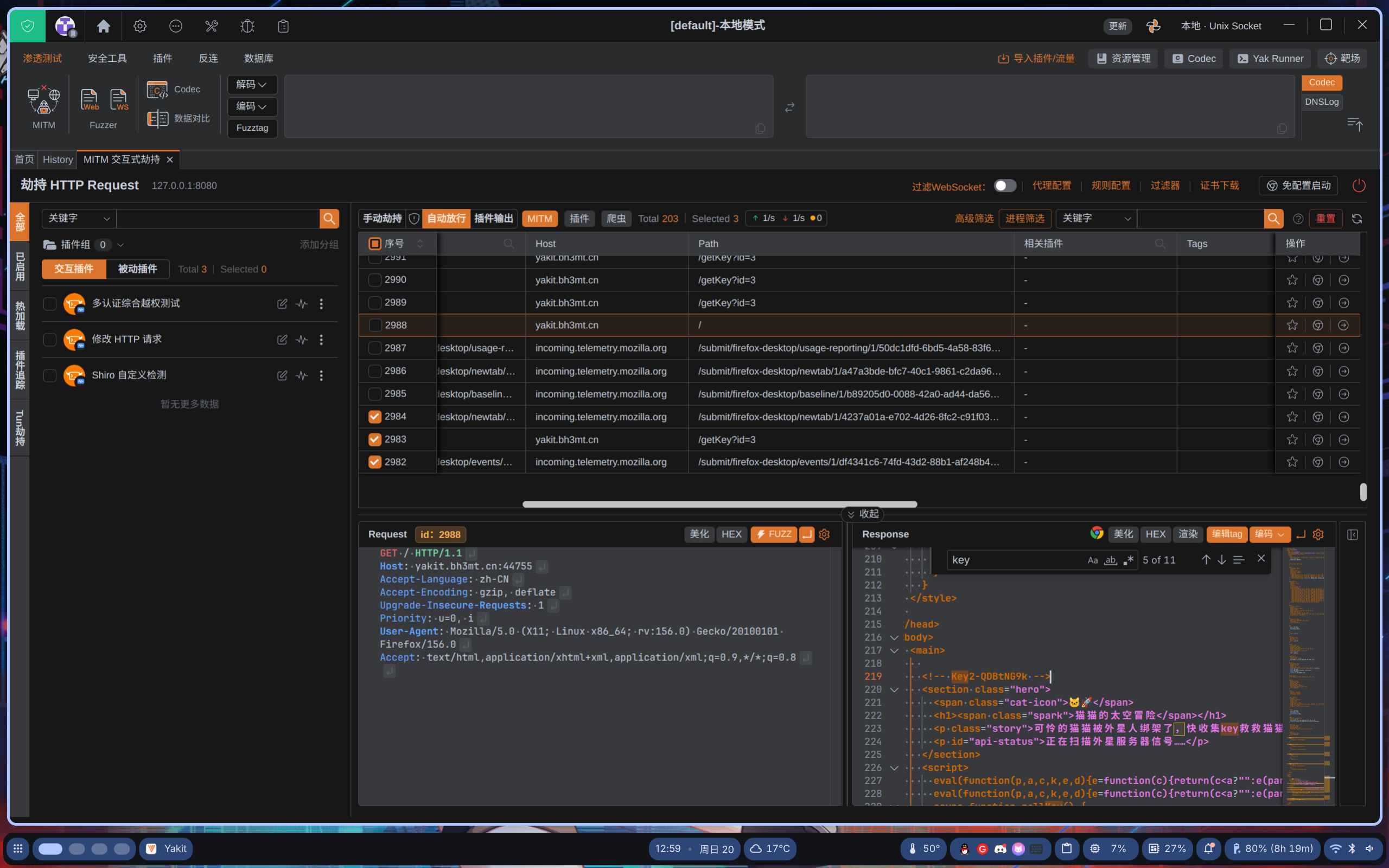
<!-- Key2-QDBtNG9k -->key3
如图,服务器一直在发包
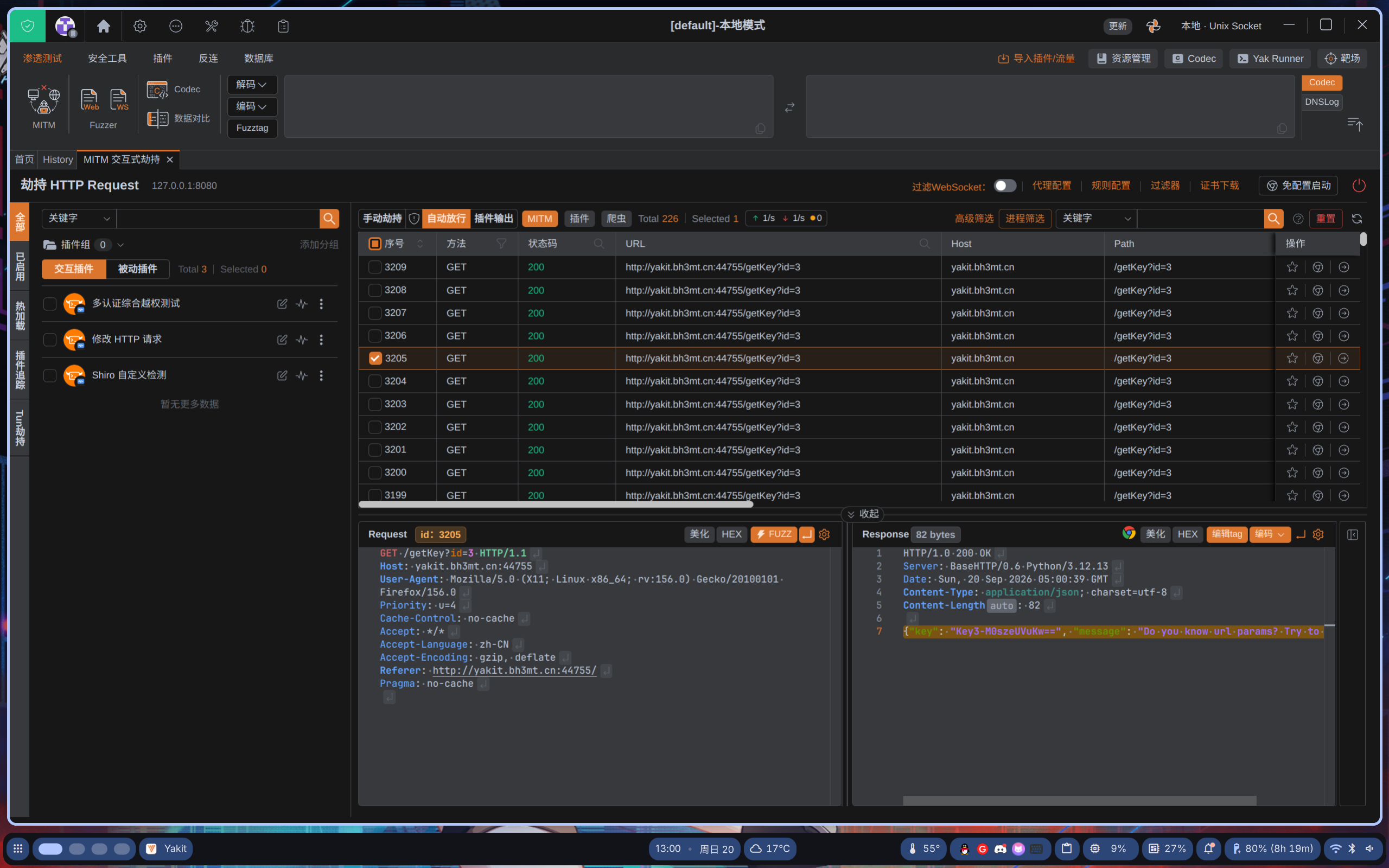
HTTP/1.0 200 OK
Server: BaseHTTP/0.6 Python/3.12.13
Date: Sun, 20 Sep 2026 05:00:39 GMT
Content-Type: application/json; charset=utf-8
Content-Length: 82

{"key": "Key3-M0szeUVuKw==", "message": "Do you know url params? Try to get Key4"}
key4
得到key3后给了注释,我们劫持http://yakit.bh3mt.cn:44755/getKey?id=3的请求并将id改为4然后发包,劫持响应
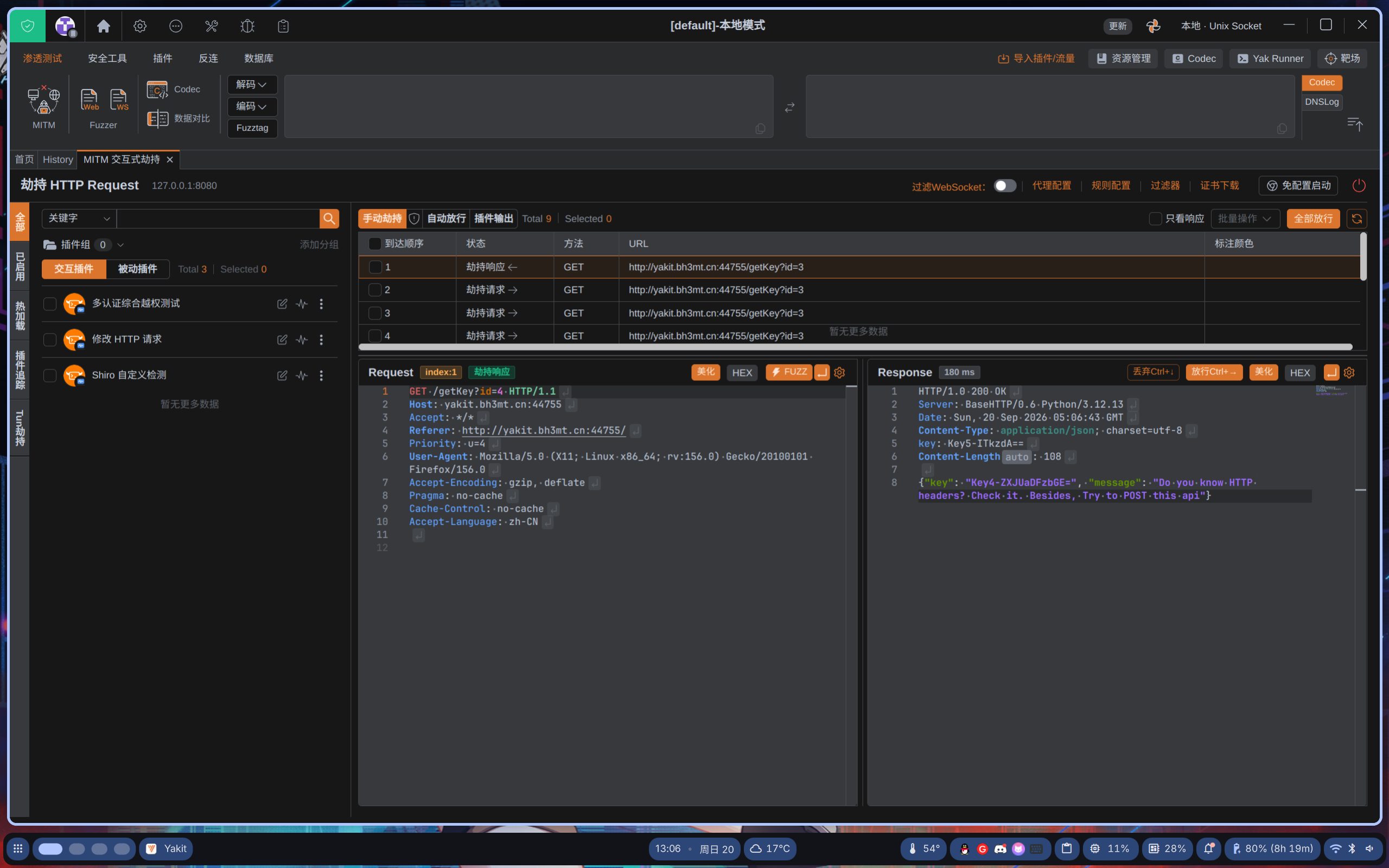
HTTP/1.0 200 OK
Server: BaseHTTP/0.6 Python/3.12.13
Date: Sun, 20 Sep 2026 05:06:43 GMT
Content-Type: application/json; charset=utf-8
key: Key5-ITkzdA==
Content-Length: 108

{"key": "Key4-ZXJUaDFzbGE=", "message": "Do you know HTTP headers? Check it. Besides, Try to POST this api"}
同时得到了4和5
key6
尝试使用post发包
POST /getKey?id=4 HTTP/1.1
Host: yakit.bh3mt.cn:44755
User-Agent: Mozilla/5.0 (X11; Linux x86_64; rv:156.0) Gecko/20100101 Firefox/156.0
Accept: */*
Accept-Language: zh-CN
Content-Type: application/json
Content-Length: 2
Connection: close

{}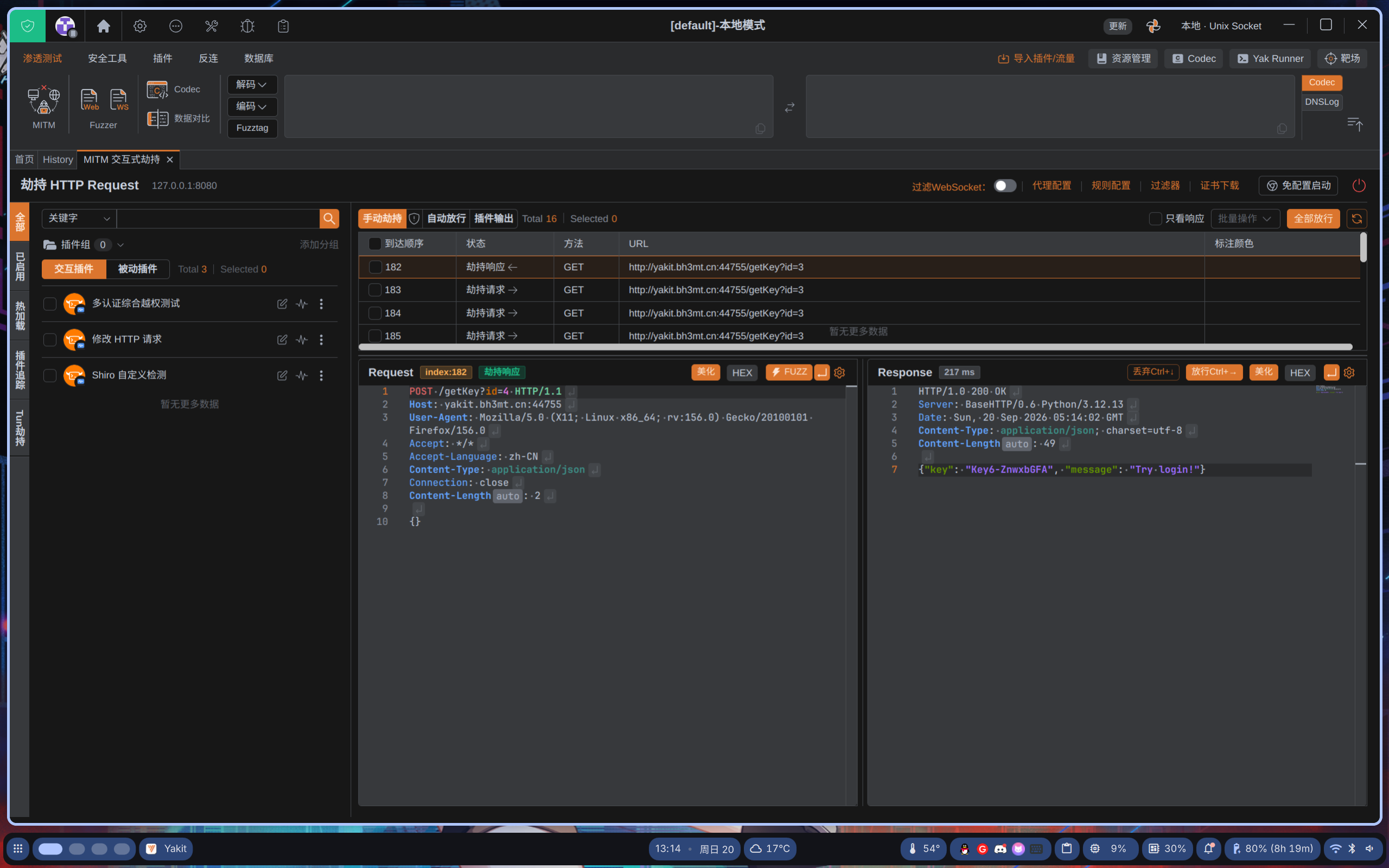
得到响应
HTTP/1.0 200 OK
Server: BaseHTTP/0.6 Python/3.12.13
Date: Sun, 20 Sep 2026 05:14:02 GMT
Content-Type: application/json; charset=utf-8
Content-Length: 49

{"key": "Key6-ZnwxbGFA", "message": "Try login!"}
key7
提示我们尝试登录,那我们尝试访问login
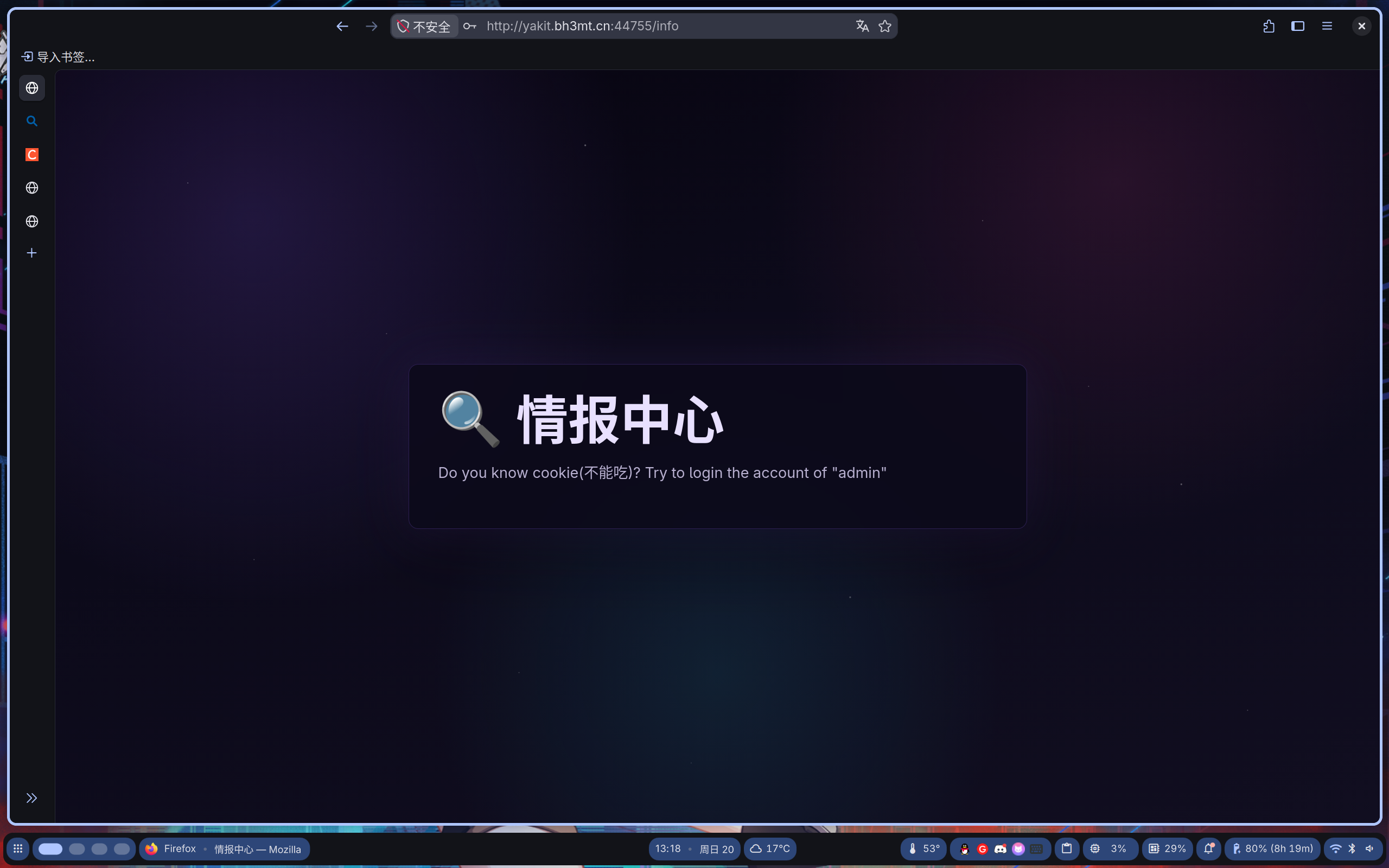
尝试把ck改为admin
GET /info HTTP/1.1
Host: yakit.bh3mt.cn:44755
Referer: http://yakit.bh3mt.cn:44755/login
Upgrade-Insecure-Requests: 1
Cookie: user=admin
User-Agent: Mozilla/5.0 (X11; Linux x86_64; rv:156.0) Gecko/20100101 Firefox/156.0
Accept: text/html,application/xhtml+xml,application/xml;q=0.9,*/*;q=0.8
Accept-Language: zh-CN
Accept-Encoding: gzip, deflate
Priority: u=0, i
得到了
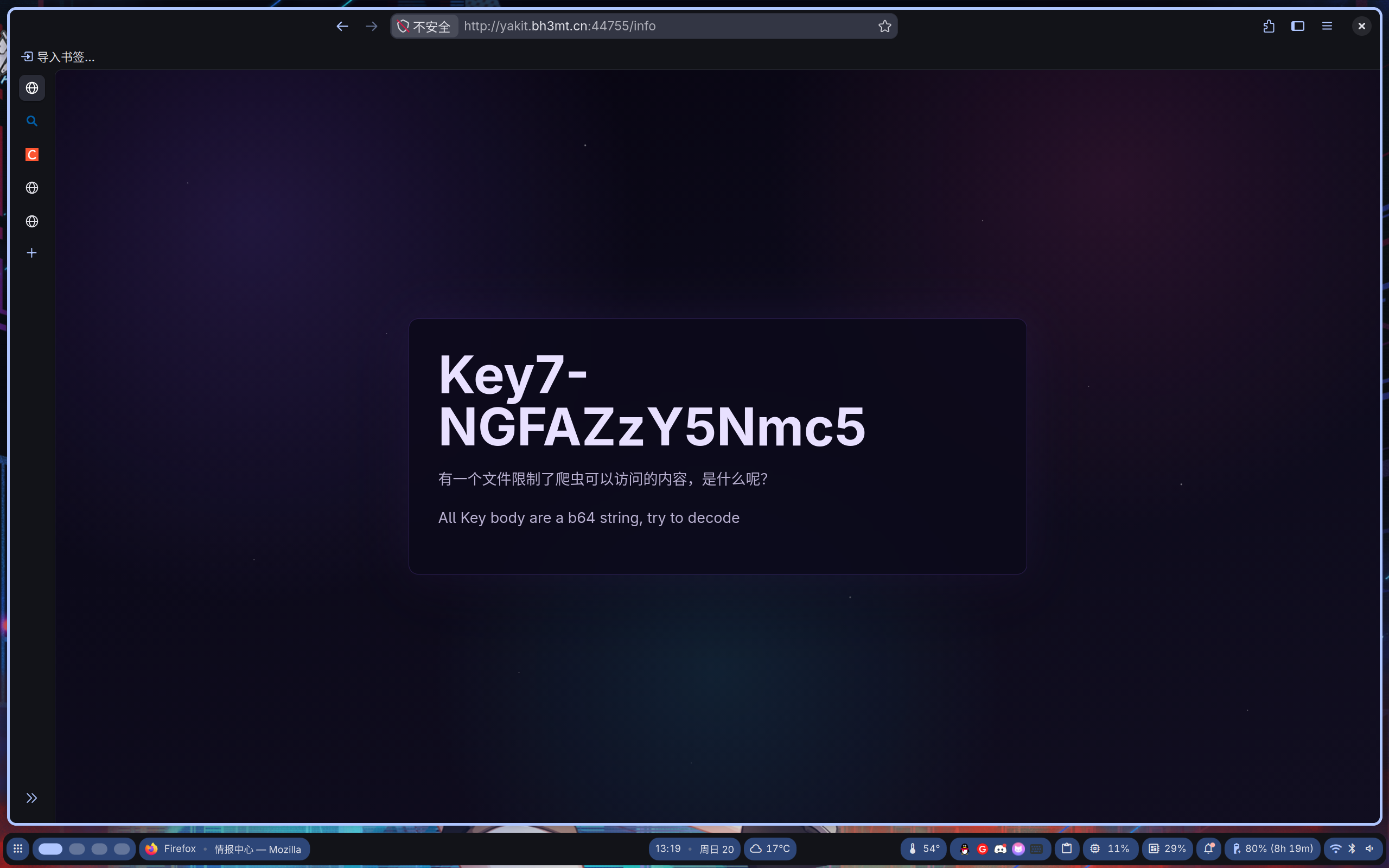
Key7-NGFAZzY5Nmc5end
根据提示访问
robots.txt
得到
User-agent: *
Disallow: /f13ggggg
那我们就去/f13ggggg看看
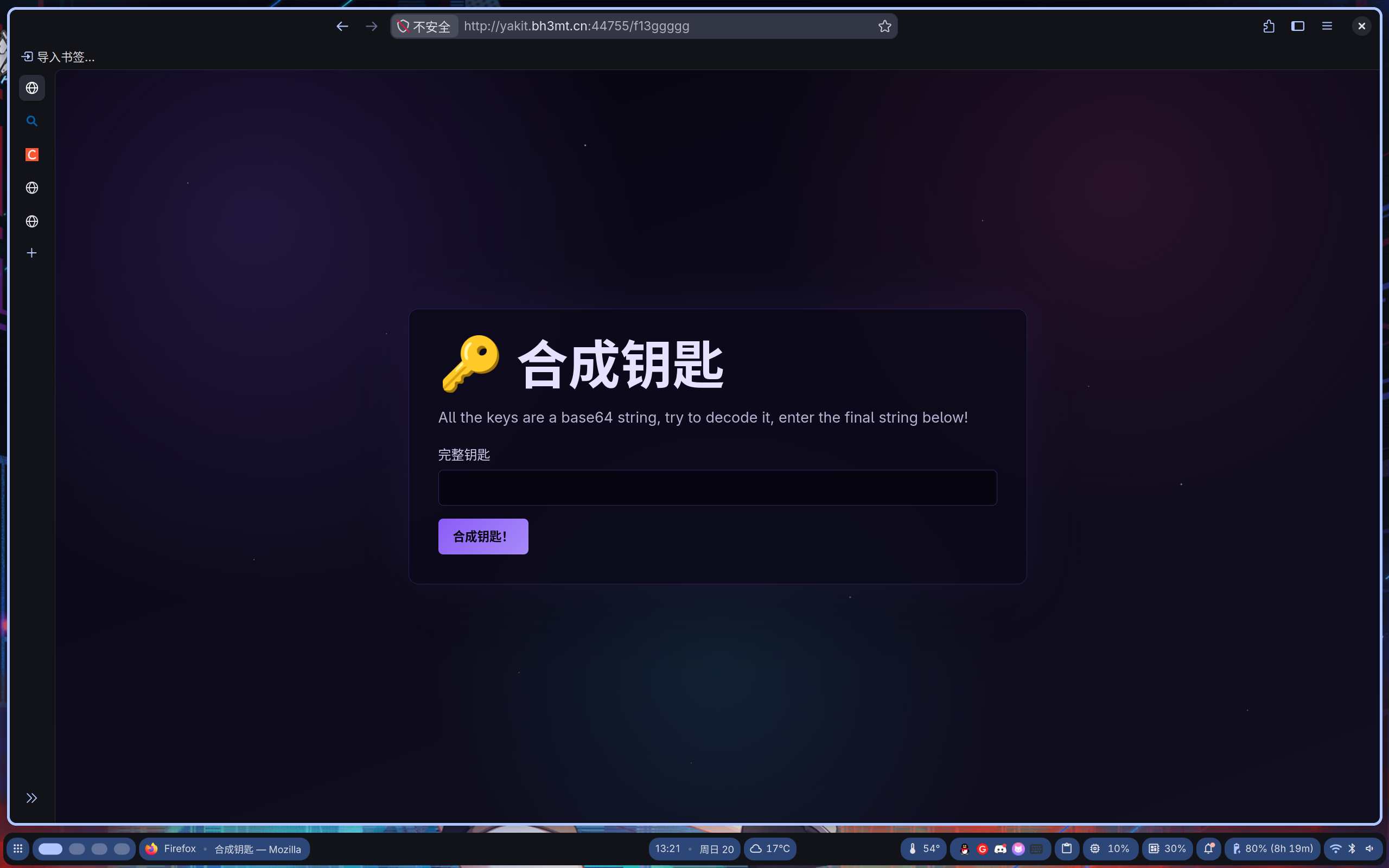
All the keys are a base64 string, try to decode it, enter the final string below!将各个key经过base64解码发给他得到flag!!!
评论交流
欢迎留下你的想法